Wishlist
The wishlist keeps products you want to buy later.
1. Collections
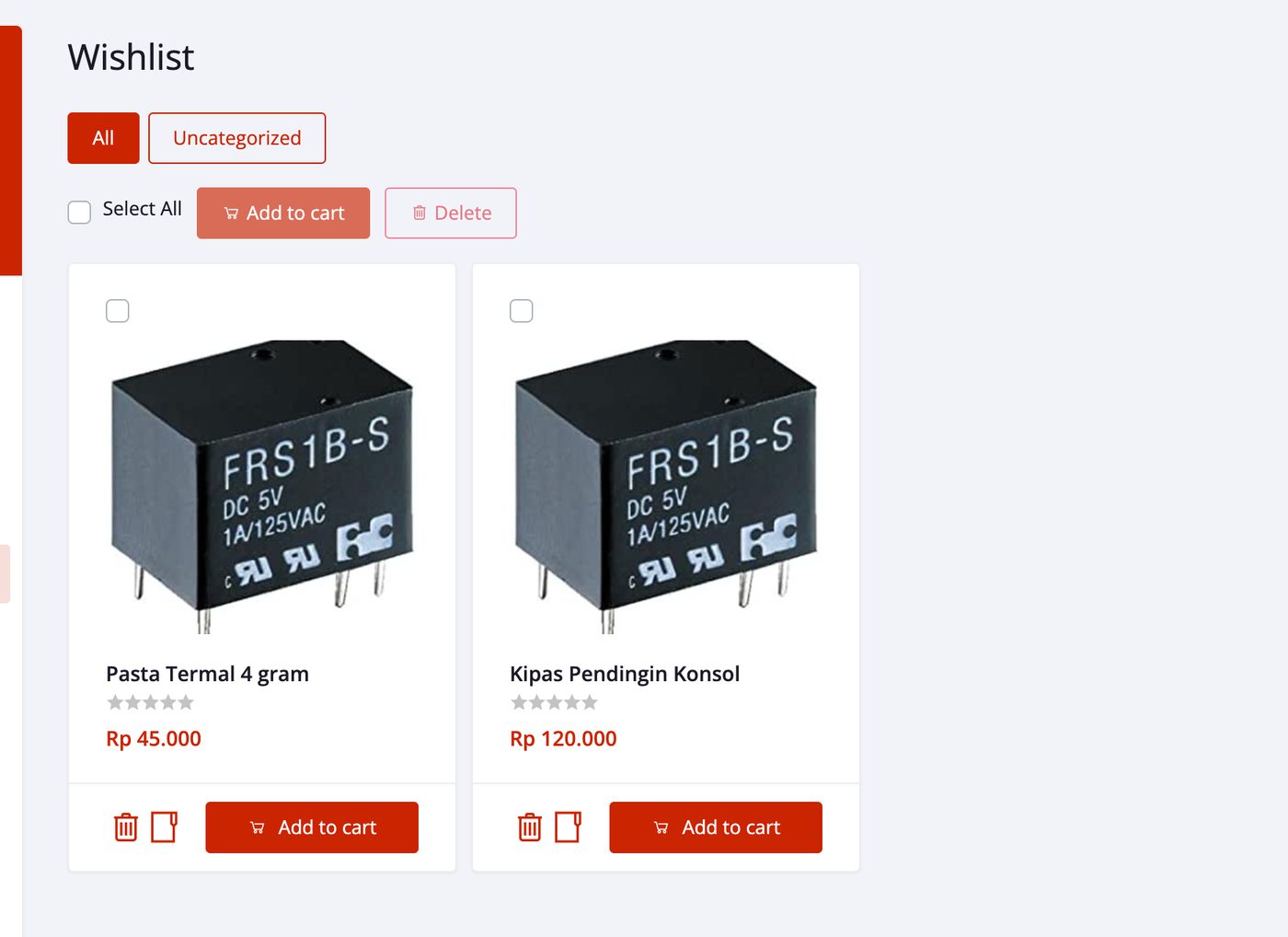
- Tabs All and Uncategorized; create and organize collections with Manage collections (rename or delete).
- Select several products (Select All for everything) and click Add to cart.
- Products with variants are added one at a time so you can choose the variant.
2. In the app
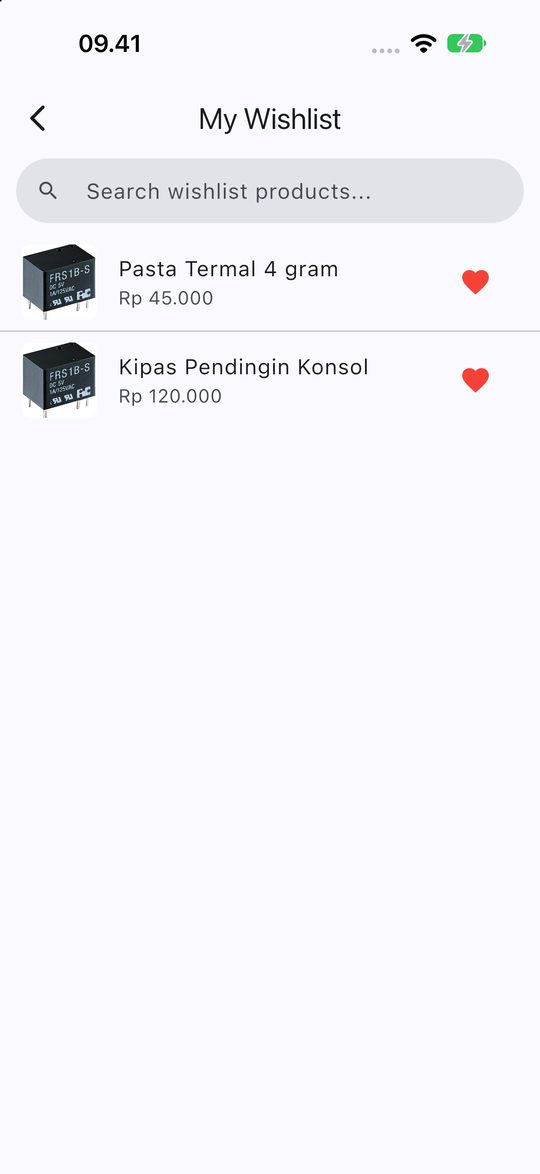
☰ › Wishlist lists saved products; tap the heart icon to remove one.