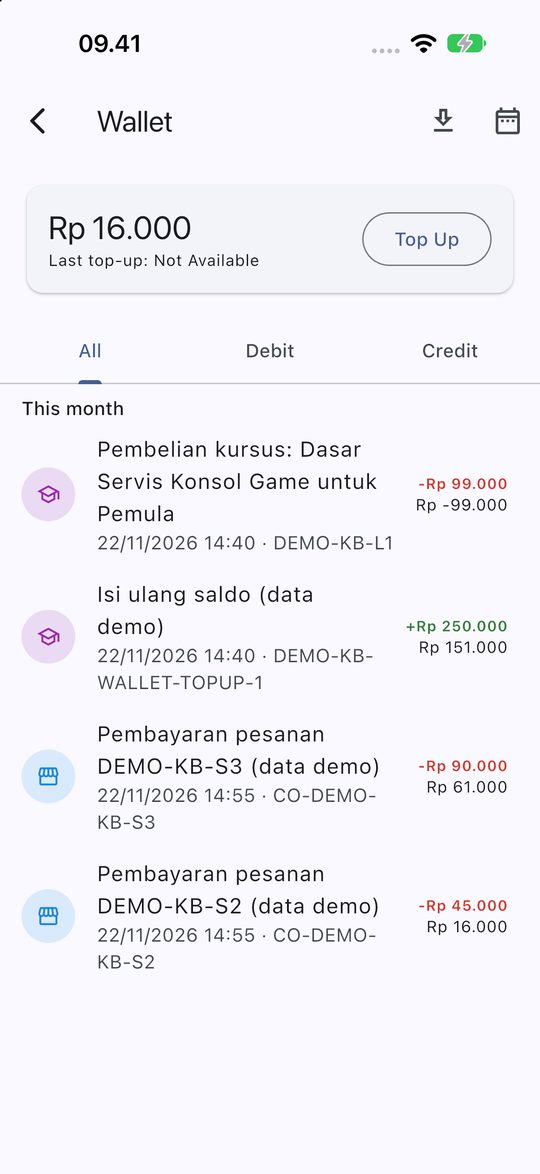
My Wallet
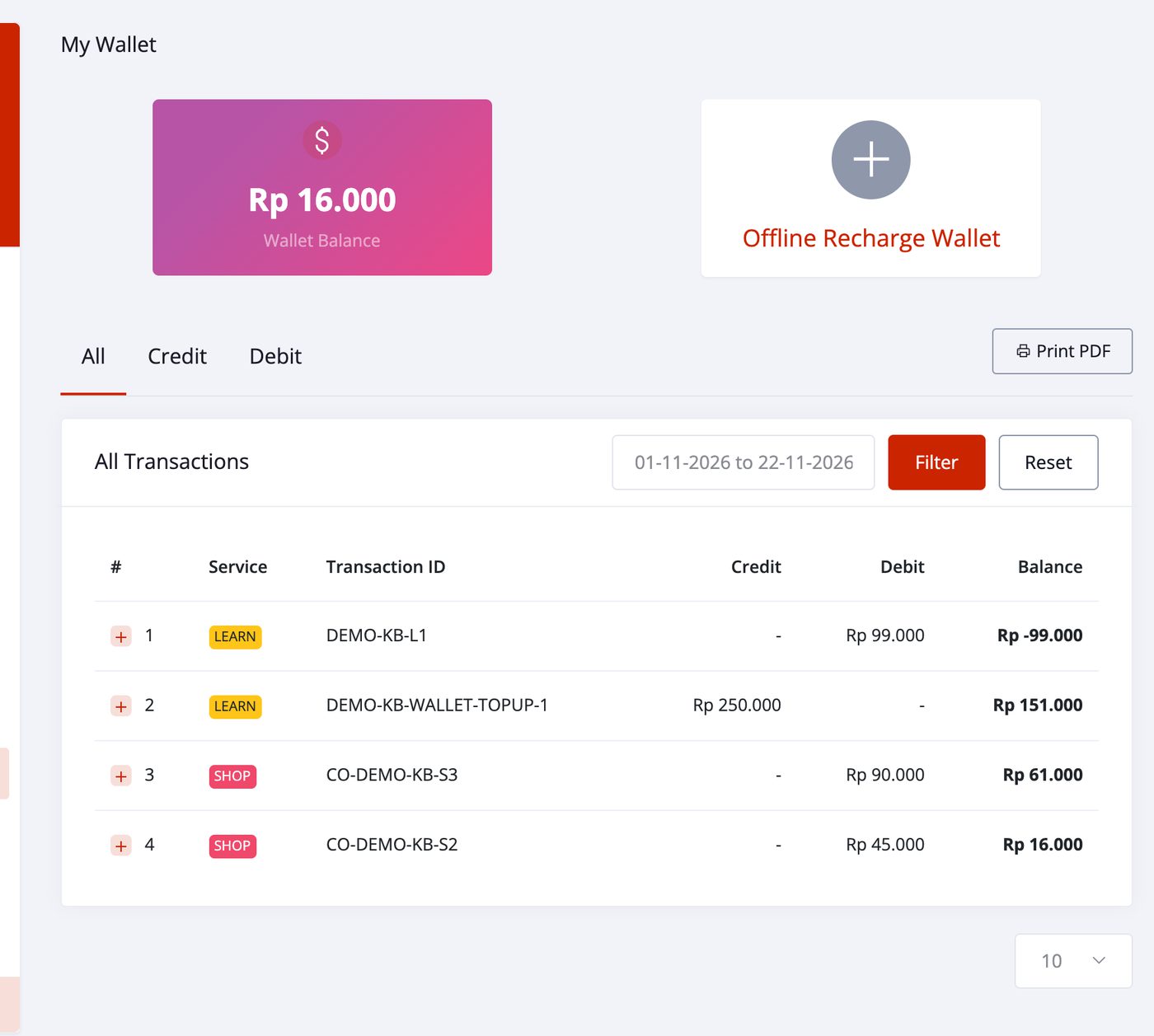
Your wallet balance pays for orders with Pay with wallet. It is the same balance you have in Learn and Repair.
1. Statement
- All, Credit, and Debit tabs; the Service column shows where a transaction came from (Shop, Learn, or Repair).
- Print PDF produces a wallet statement.
2. Top-ups
- Click Offline Recharge Wallet.
- Enter the amount, transfer as instructed, and upload the proof.
- The balance increases after an admin approves it.
Important: Wallet balances have a maximum set by Bank Indonesia rules.
3. In the app
Your wallet balance and history are in the Account tab (the balance card or See all transactions); Shop, Learn, and Repair transactions appear together.