Downloads
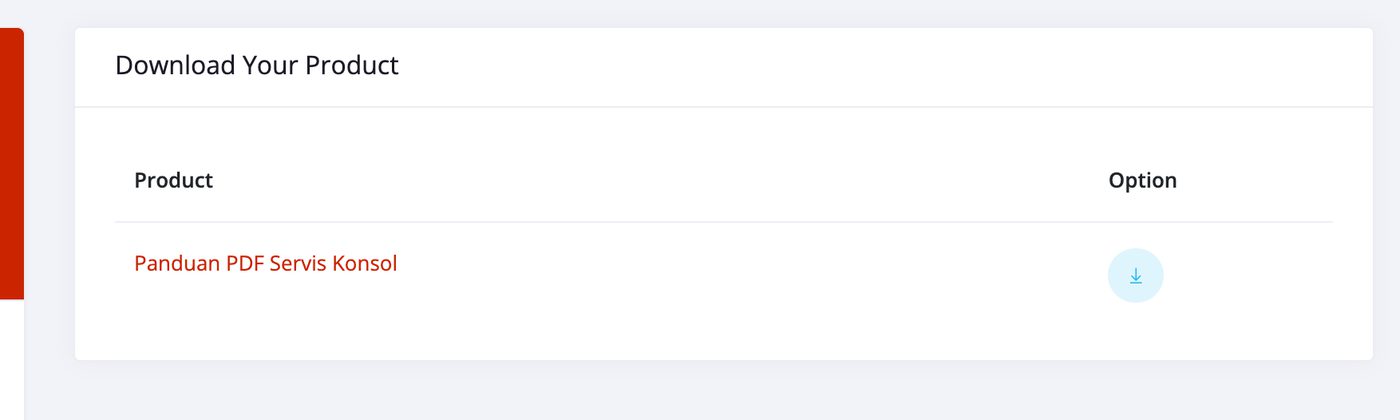
The Downloads menu lists the digital products you have paid for.
1. Downloading
Only digital products with a Paid payment are listed. If you paid by bank transfer, the product appears once the payment is verified.
- Open Downloads.
- Click Download on the product.