Support Ticket
Support tickets are for issues that need an admin.
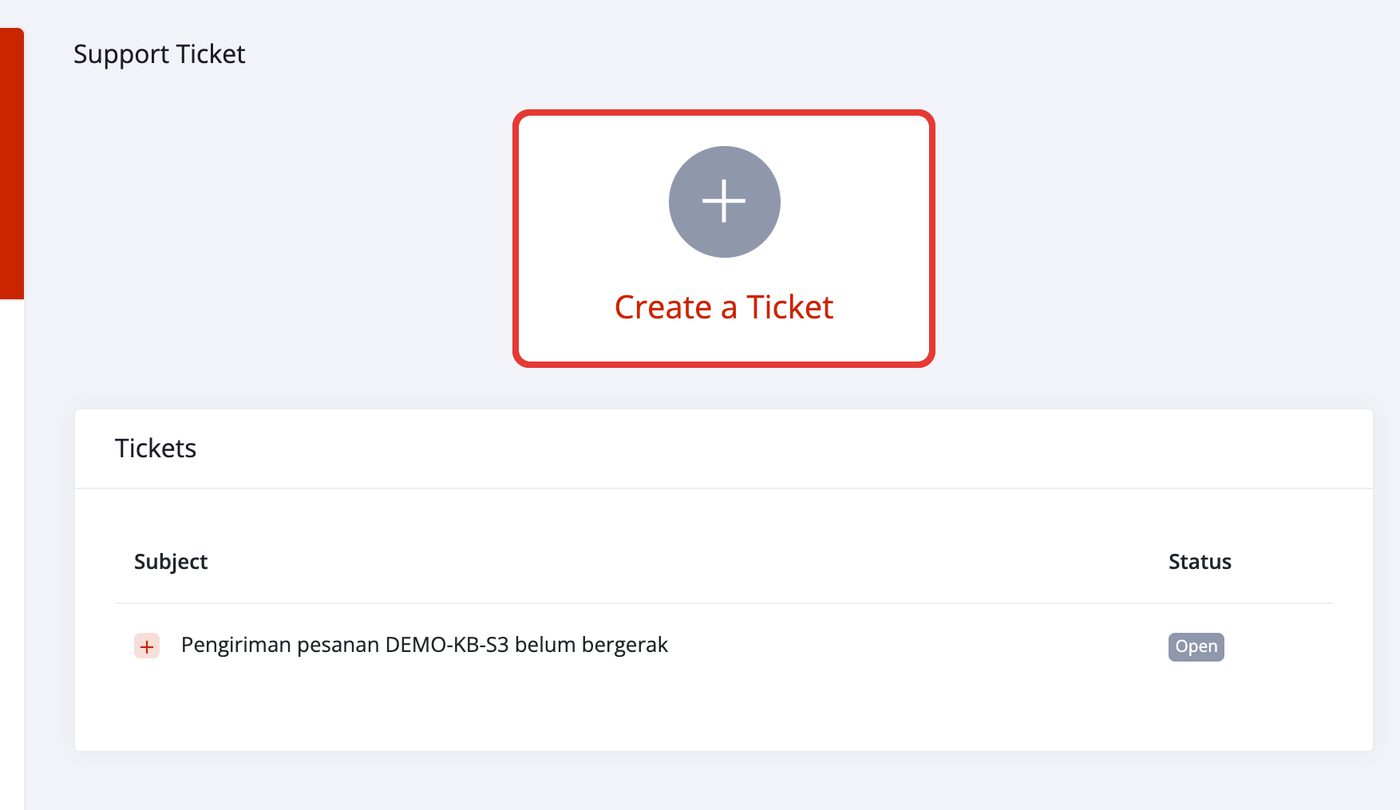
1. Creating a ticket
- Click Create a Ticket and fill in the subject and description.
- Choose a Related order if the ticket is about an order (only paid, not cancelled, and still under warranty), or leave it empty.
- Attach a file if needed and click Send Ticket.
2. Statuses
A ticket closes automatically when you do not reply to the admin's last reply within a set time. Closed tickets cannot be replied to — create a new ticket.
| Status | Meaning |
|---|---|
| Pending | New ticket |
| Open | Being handled (your reply reopens it) |
| Solved | The ticket is finished |
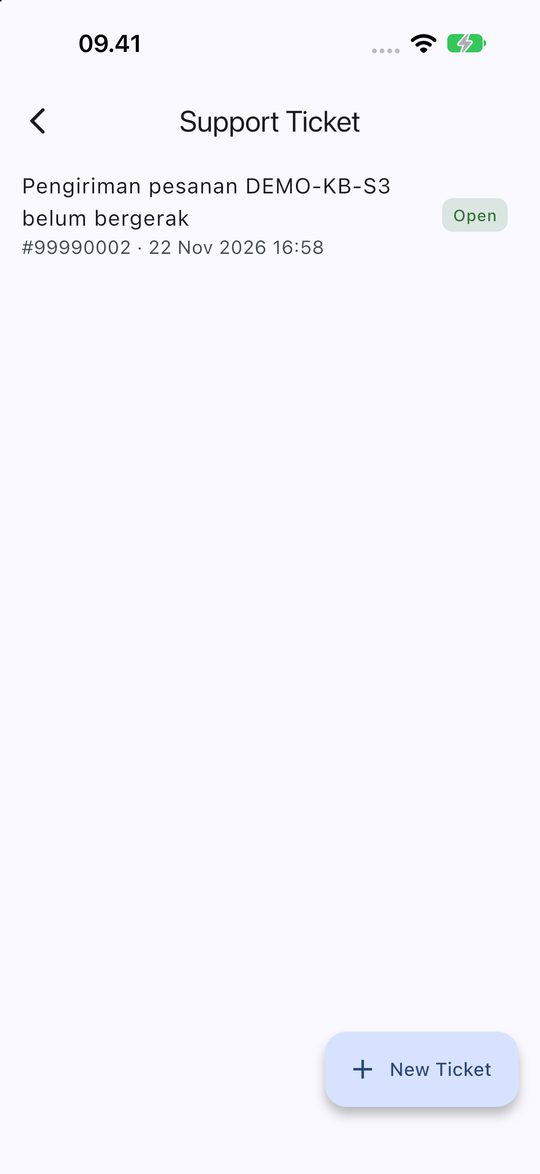
3. In the app
Open the Account tab › Support Ticket, choose Shop, then create a new ticket. The same tickets appear on the web.