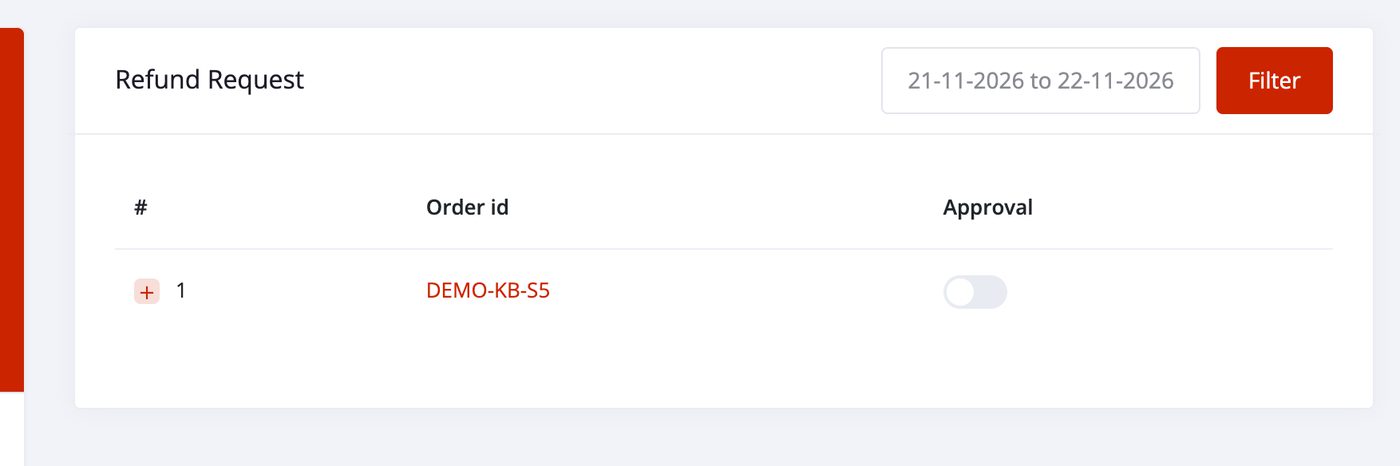
Received Refund Request
Refund requests for your products appear in this menu.
1. Responding
If you reject it, the buyer can raise a dispute and the admin helps decide. The admin sends refunds to the buyer.
- Click Show to read the buyer's reason.
- Approve with the Approval box, or click Reject and enter a reason.