Products
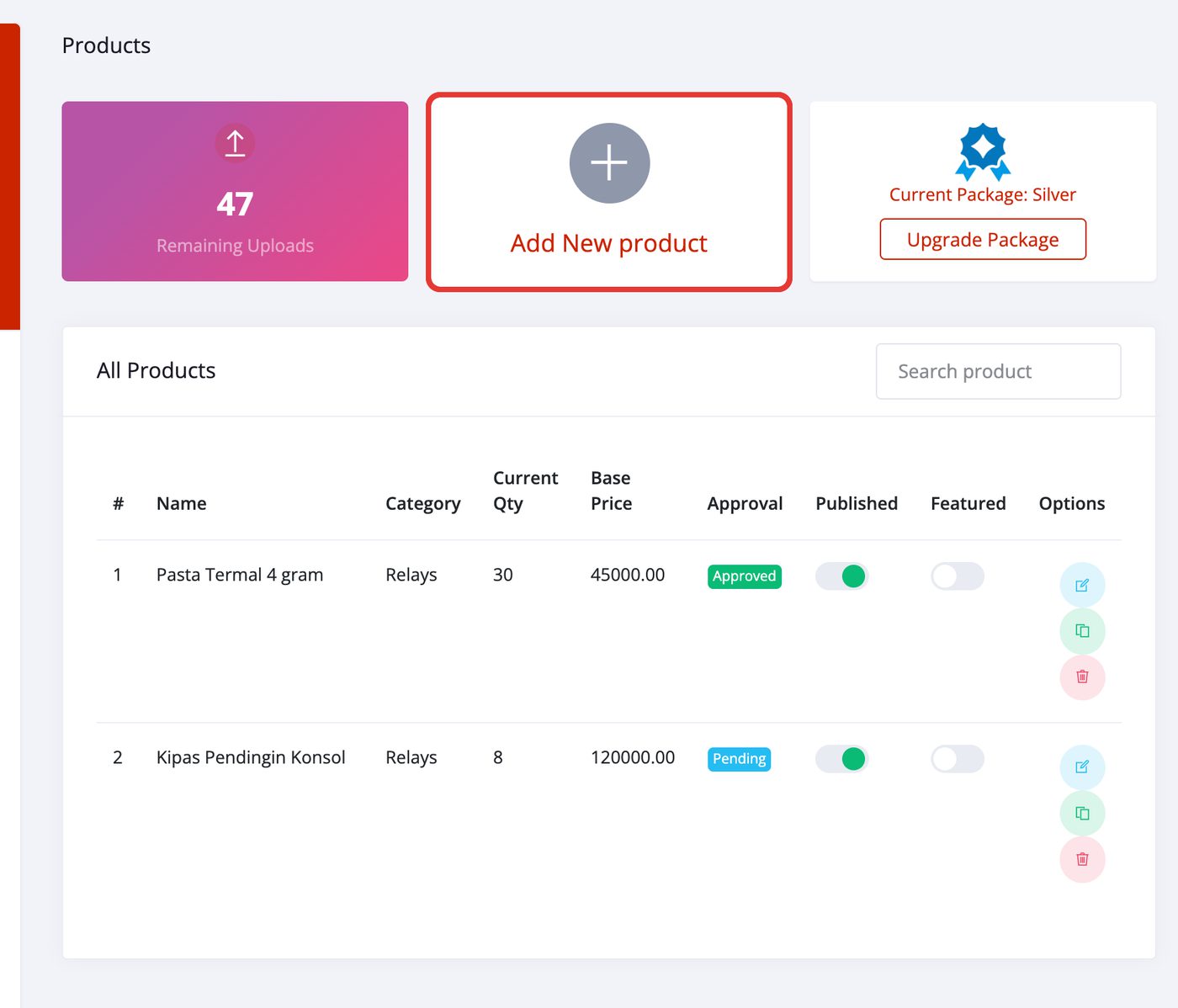
Products lists each product with its name, category, stock, base price, approval, published state, and featured flag.
1. Upload Product
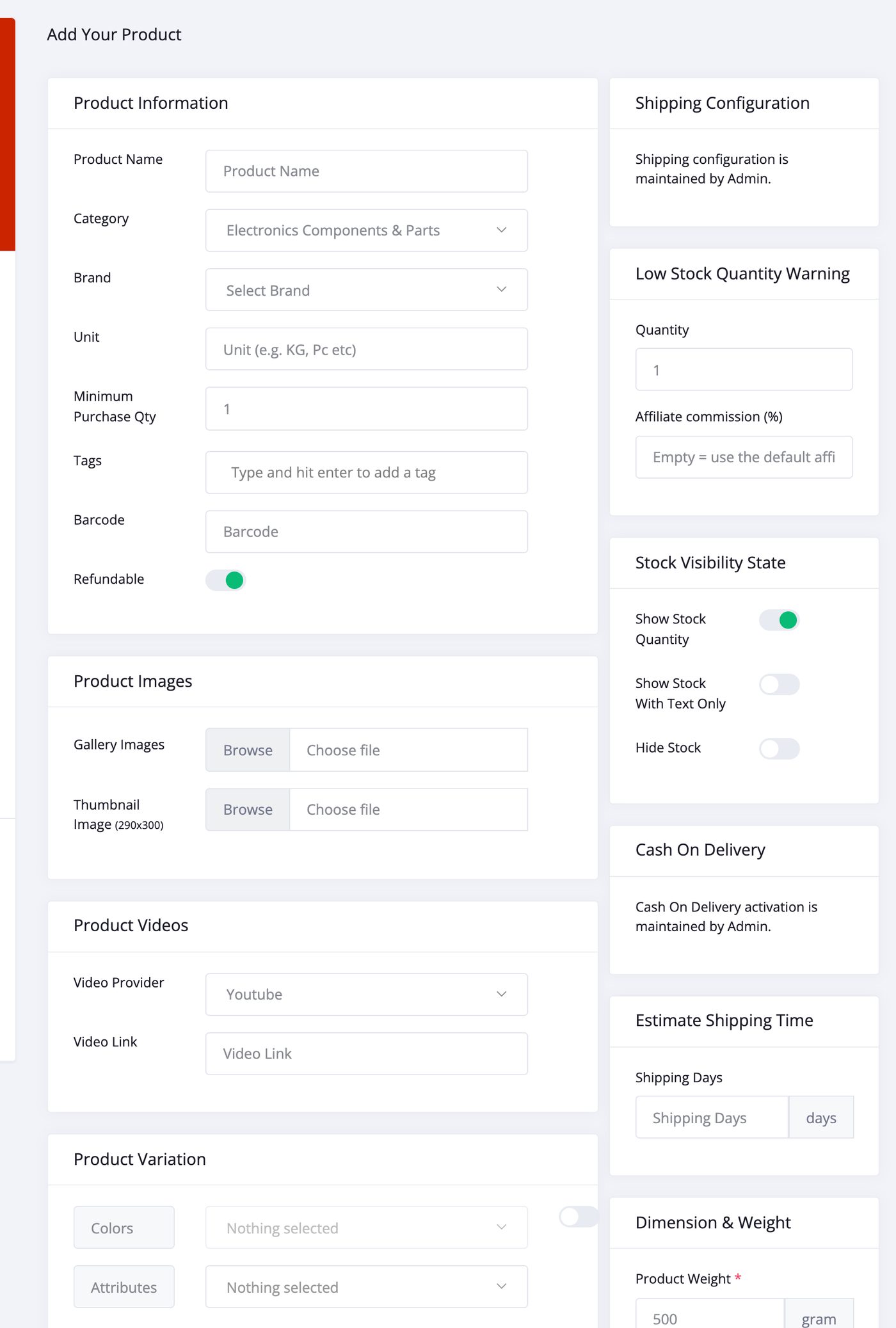
- Fill in product information, images and videos, variations (colors and attributes), price and stock (unit price, quantity, SKU), description, PDF specification, and SEO.
- Set the low stock warning, stock visibility, dimensions and weight, tax, wholesale prices, and whether the product is refundable.
- Products can be edited, duplicated, or deleted from the list.
2. Approval and packages
- When admin approval is enabled, new products stay Pending until approved.
- The number of products is limited by your seller package; when you reach it, upgrade the package. An expired package cannot publish products.