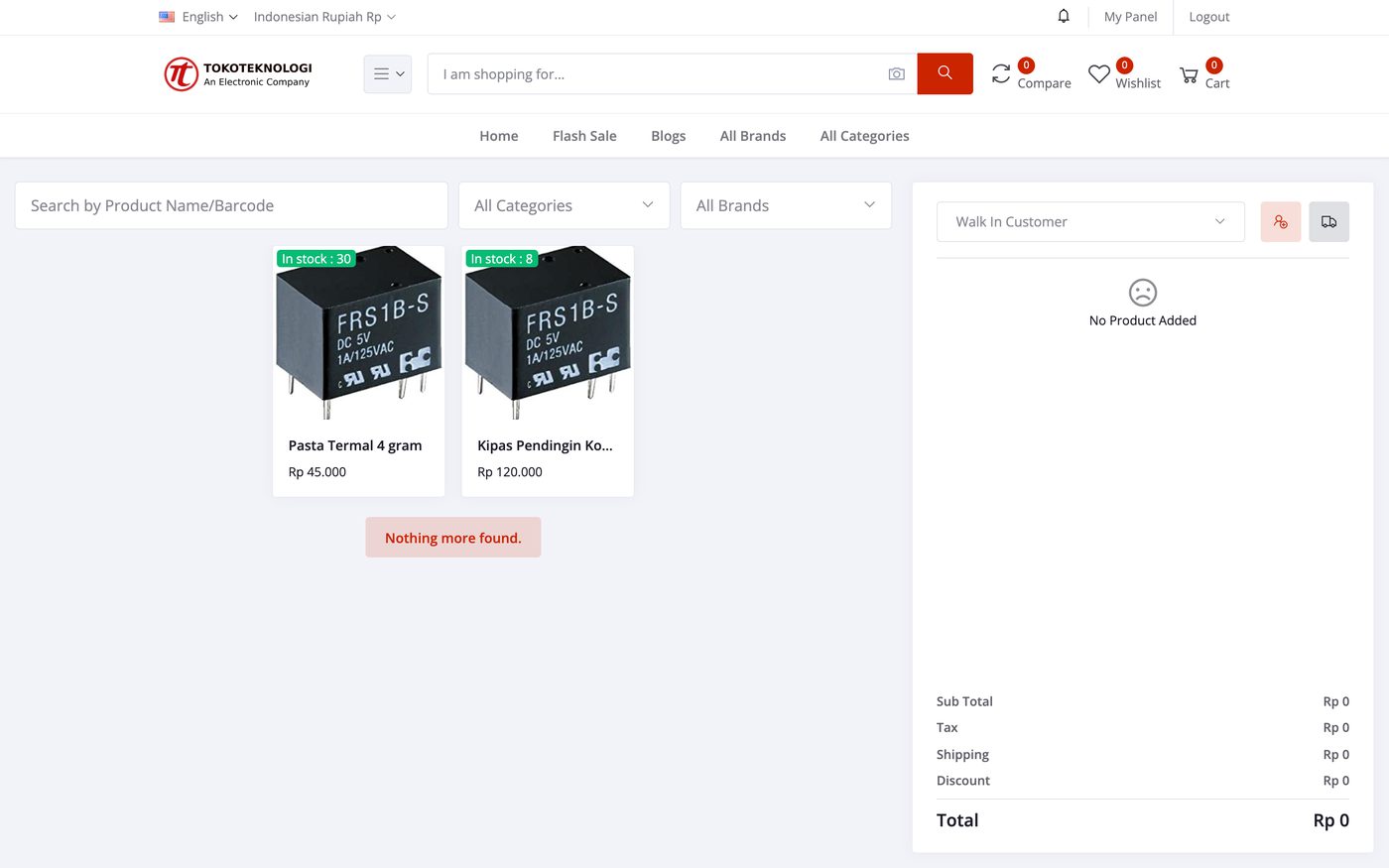
POS Manager
POS Manager is for in-person sales at a physical shop, when POS is enabled for sellers.
1. Steps
POS orders paid on the spot are recorded as paid and delivered.
- Choose Walk In Customer or add a customer.
- Add products to the POS cart, and set shipping and discount if needed.
- Click Place Order, choose the payment in the order summary, then print the invoice.