Orders
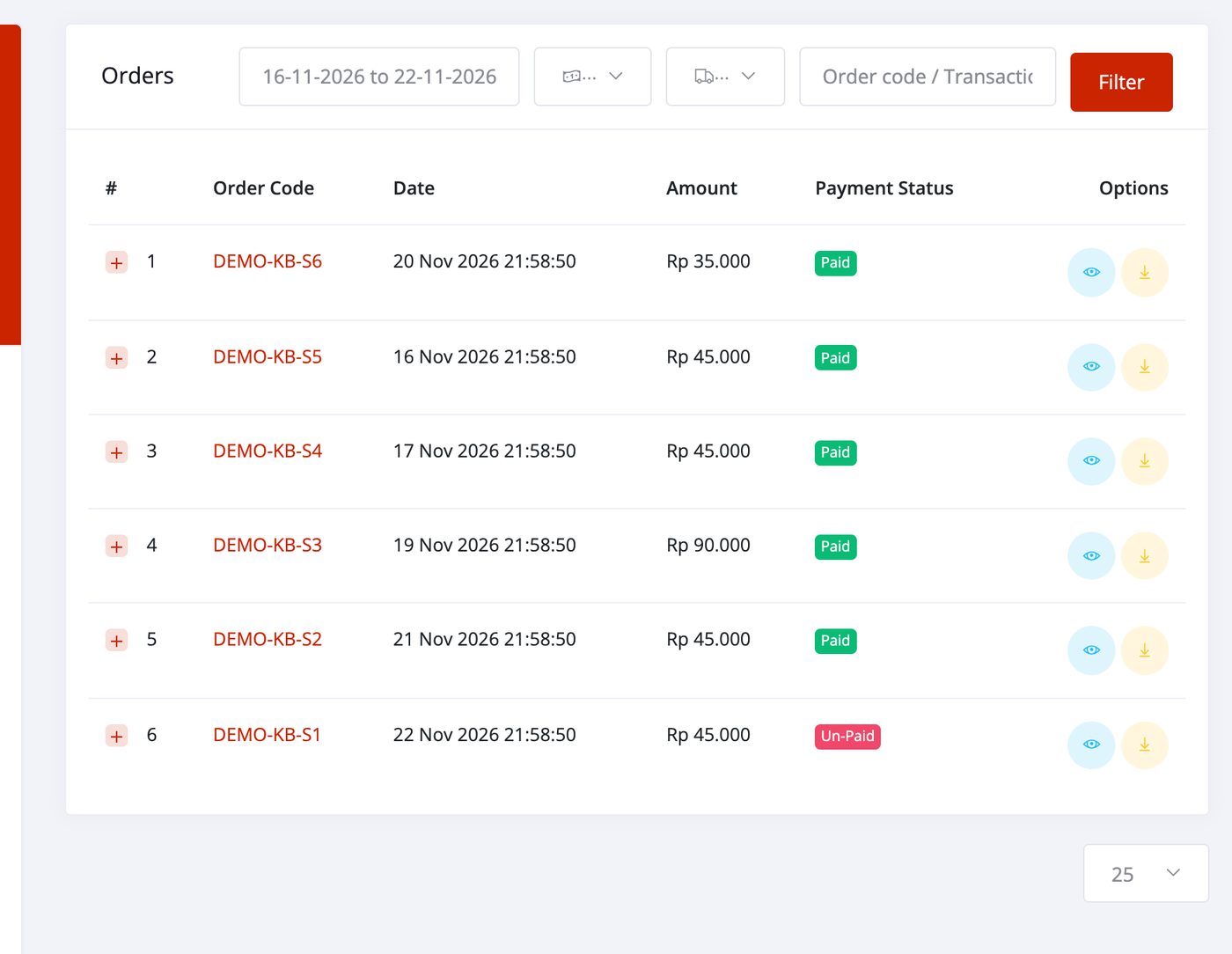
Orders lists every order for your shop, with payment and delivery filters and order code search.
1. Status flow
Orders move forward: Pending → Confirmed → Picked Up → On The Way → Delivered. A status cannot go back to an earlier step.
2. Cancellation
- Buyers can only cancel orders that are still Pending and Unpaid.
- When a paid order is cancelled, the full amount is returned to the buyer's wallet.
3. Earnings
The order commission is released to your shop balance after the buyer clicks Confirm Received, or after automatic confirmation at the end of the refund period. Withdraw it through Money Withdraw.