Money Withdraw
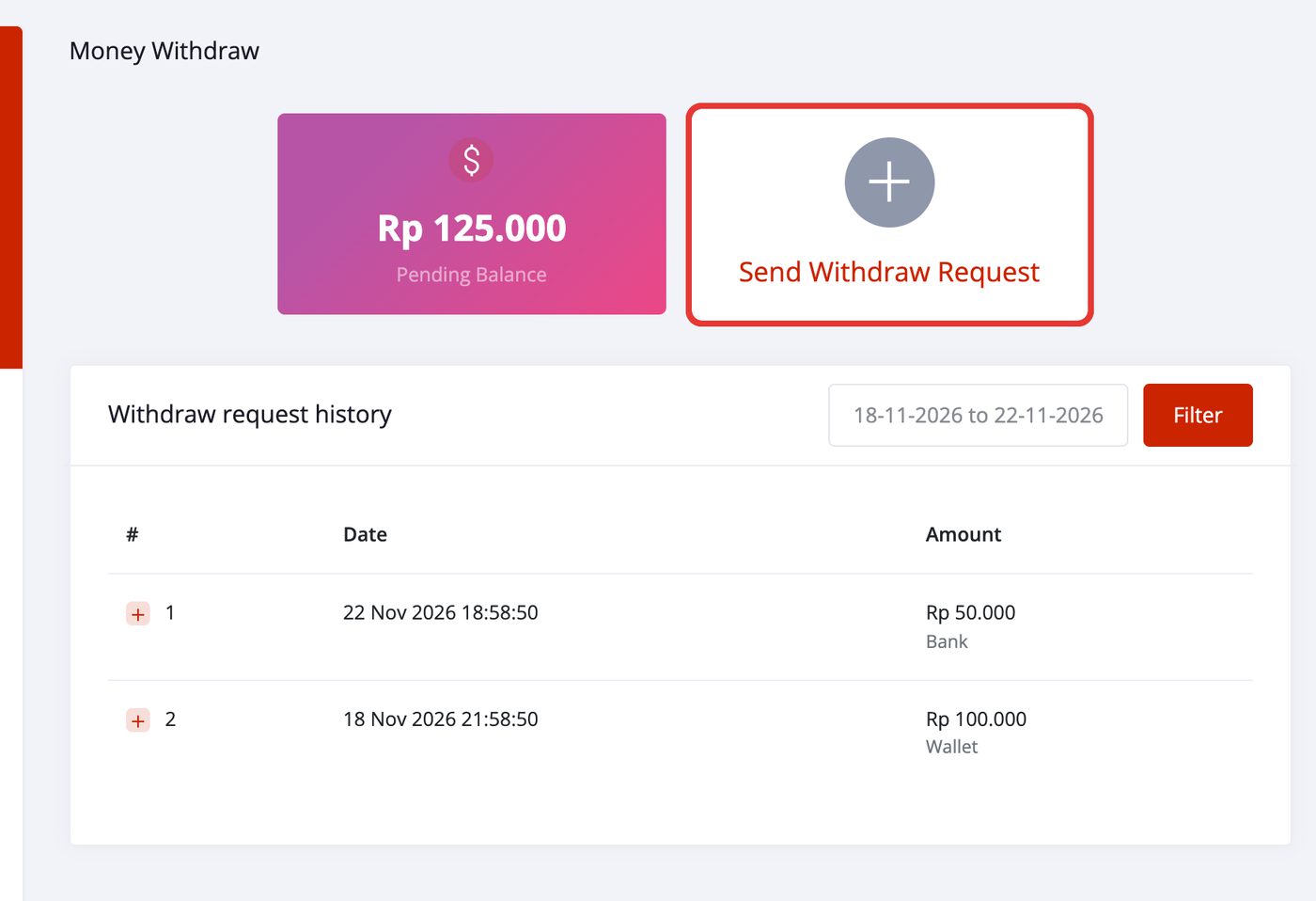
Money Withdraw shows the Pending Balance you can withdraw.
1. Requesting a withdrawal
- Choose Withdraw To: Wallet or bank account.
- Enter the amount (minimum Rp 10,000, at most your balance) and submit.
| Destination | How it works |
|---|---|
| Wallet | Instant, no admin approval |
| Bank | Needs a verified bank account and admin approval |
2. Bank account verification
- Fill in your bank details in the payout settings and save; the status becomes Awaiting Email Verification.
- Click the link in the email; the status becomes Pending Admin Approval.
- The admin decides: Verified or Rejected.
3. Withdrawal statuses
The withdrawal history shows Pending, Paid, or Rejected (with a reason).