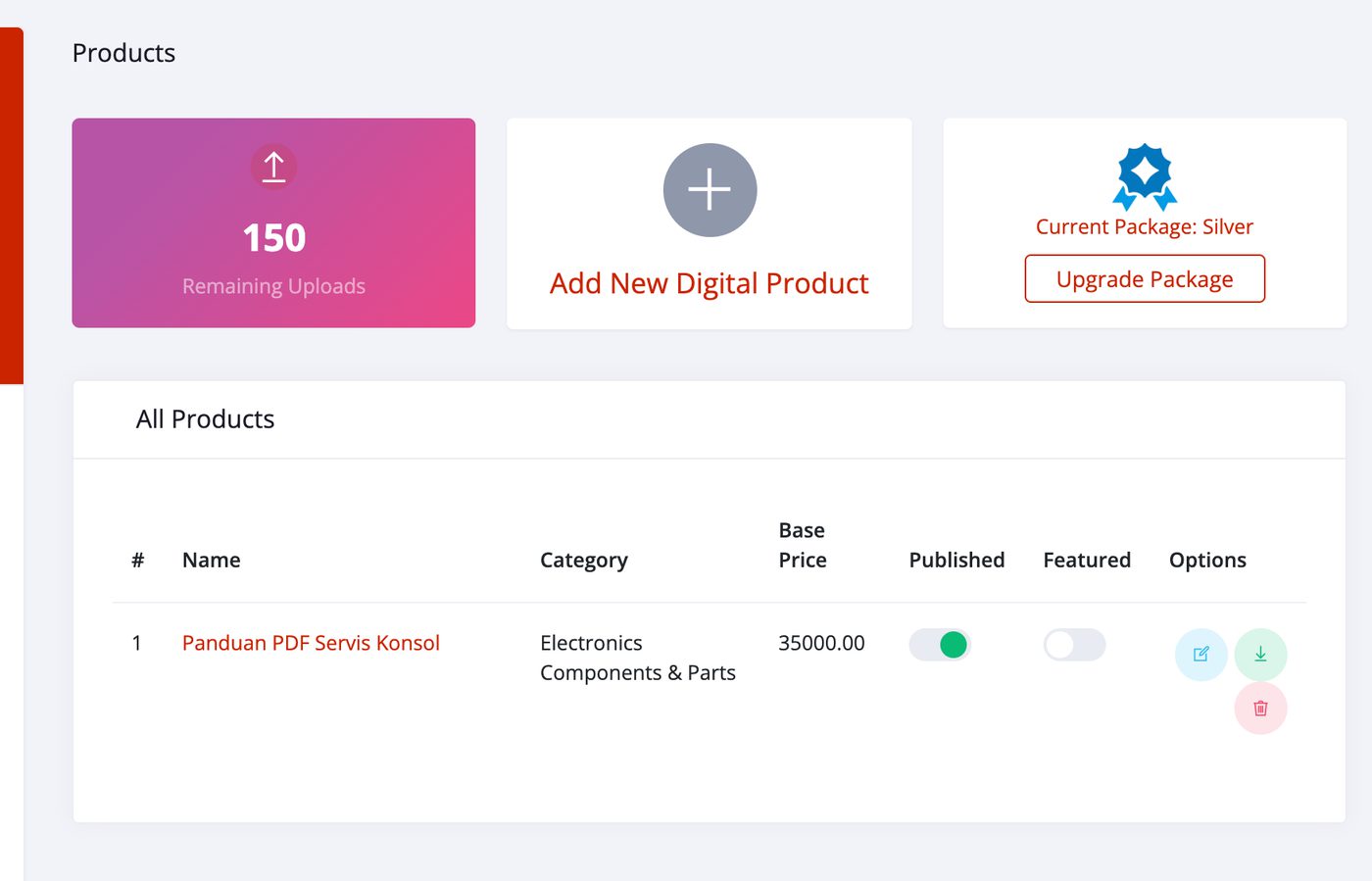
Digital Products
A digital product is a file buyers download from their Downloads menu once the payment is paid.
1. Adding
The number of products follows your seller package limit, like regular products.
- Open Digital Products and add a new product.
- Fill in the product details, upload the file, and click Save Product.